Retail & venues / WORKED EXAMPLE
Café service
Follow café customers through ordering and drink pickup.
Free to open, edit and save a file. Pro to run your changes. Opening a project asks before replacing your current space.
Does the morning rush need more drink-making capacity?
- Who uses it
- Café owners and shift managers
- How it can create value
- Check the preparation queue before assigning another station or worker. Compare the wait improvement with the extra shift cost. Served customers are not additional sales unless real demand and lost orders support that link.
- Bring your site data
- Peak arrivals, order and preparation times, available workstations, a wait target and added shift cost. Replace the fixed synthetic drink times with observed conditions.
01 / SETUP
A model you can inspect.
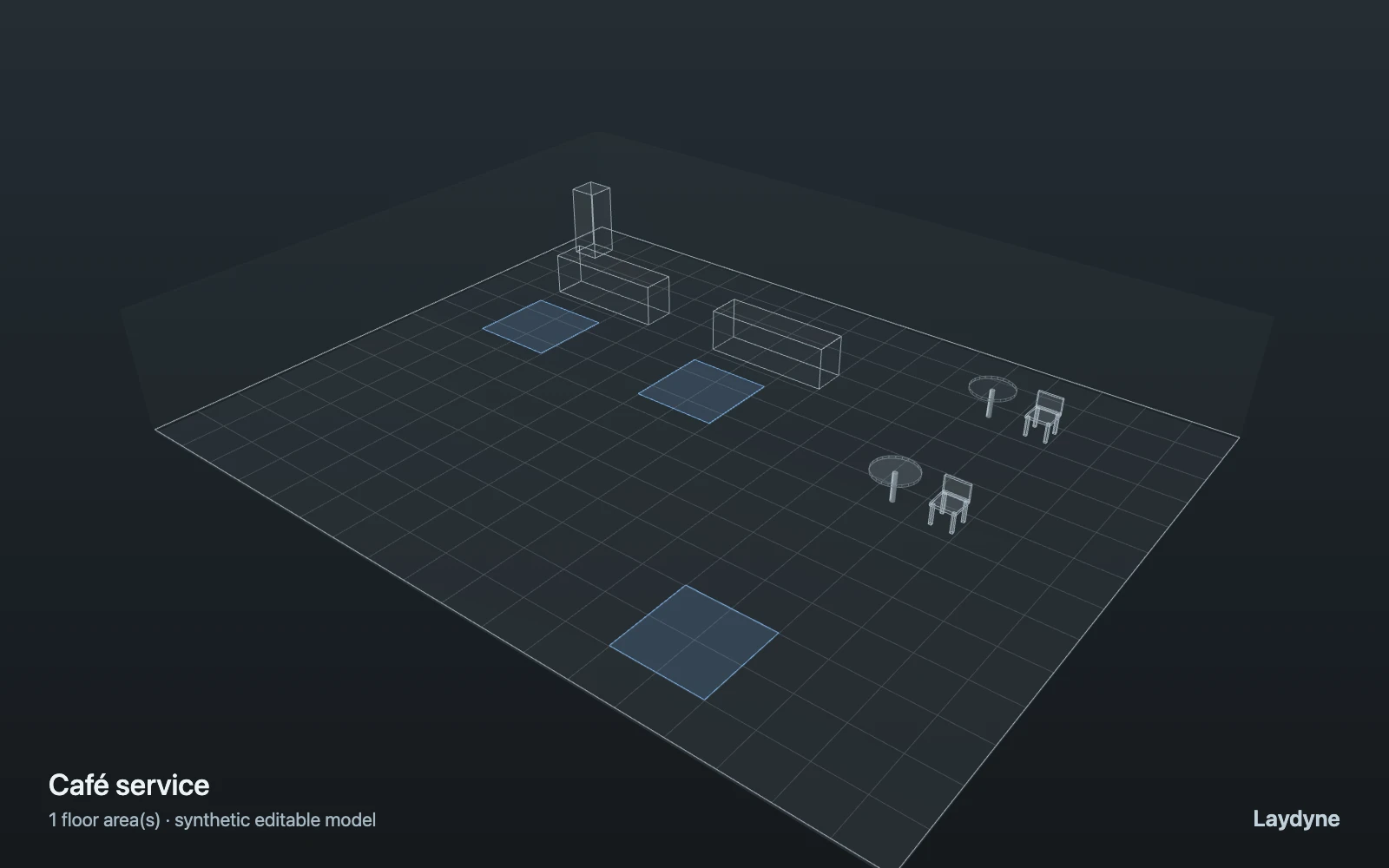
Customers walk to order, wait for a cashier, then wait for drink preparation at pickup and leave. Compare one and two preparation stations with the same customers. Staff counts change service capacity, not the physical counters. Queues are counts and waiting times, not queue length or crowd avoidance. Seating is decorative; table occupancy and food inventory are not modeled.
Change one thing
Compare 1 and 2 preparation stations with the same 24 customers.
Read the consequence
Average wait, preparation queue and service utilization.
View the starting inputs
- Customers
- 24
- Customer arrival interval (s)
- 20
- Cashiers
- 1
- Preparation stations
- 1
- Take an order (s)
- 12
- Prepare a drink (s)
- 45
Agent counts, routes and resource definitions are also saved in the project JSON.
02 / ACTUAL ENGINE OUTPUT
The same demand. A different capacity.
One run, seed 0. Observation window 60 minutes. Arrivals, geometry and the seed set stay the same in every option.
| Scenario | Completed | Mean wait | Mean cycle | Blocked |
|---|---|---|---|---|
| 1 preparation station | 24 | 4m 48s | 6m 05s | 0 |
| 2 preparation stations | 24 | 27s | 1m 45s | 0 |
Waiting averages cover arrived jobs, including unfinished waits; cycle averages cover completed jobs only. These are synthetic calculations, not measured store performance, revenue or a safety assessment.
Engine, status and output notes
process-des-2.2.0. Status: 1 preparation station: completed; 2 preparation stations: completed. “Completed” is the engine run status; check the blocked column for unreachable jobs.
- No engine warnings.
Engine inputs and saved comparisons stay with the downloaded project. Any limited trace affects playback details, not aggregate metrics.
03 / MAKE IT YOURS
Plan in 2D. Inspect in 3D. Keep the whole project.
- Open and adjust. Switch between 2D and 3D; edit a part, a floor or an input. Both views describe the same model.
- Connect your agent for free. Sign in, choose Connect AI and connect Codex or Claude Code. Ask it to inspect the example, edit the layout and check a route.
- Save a checkpoint. Export → Project JSON, or ask the agent to export the complete project. Import it later to restore floors, scenarios, saved comparisons and the selected view.
- Compare with Pro. Run an edited scenario or compare frozen options under the same demand. Pro also adds built-in AI and manual cloud saving.