Compare what changes.
Mean wait per order
3 movers · 1 packing slot21m 23s
6 movers · 2 packing slots1m 23s
Tell AI what you want to build. Create 2D/3D spaces for free with your own AI through MCP, and keep your project files yourself. Pro adds built-in AI and simulations to test your ideas.
“Build a warehouse with two floors. Then compare more movers, more packing capacity, and both together.”
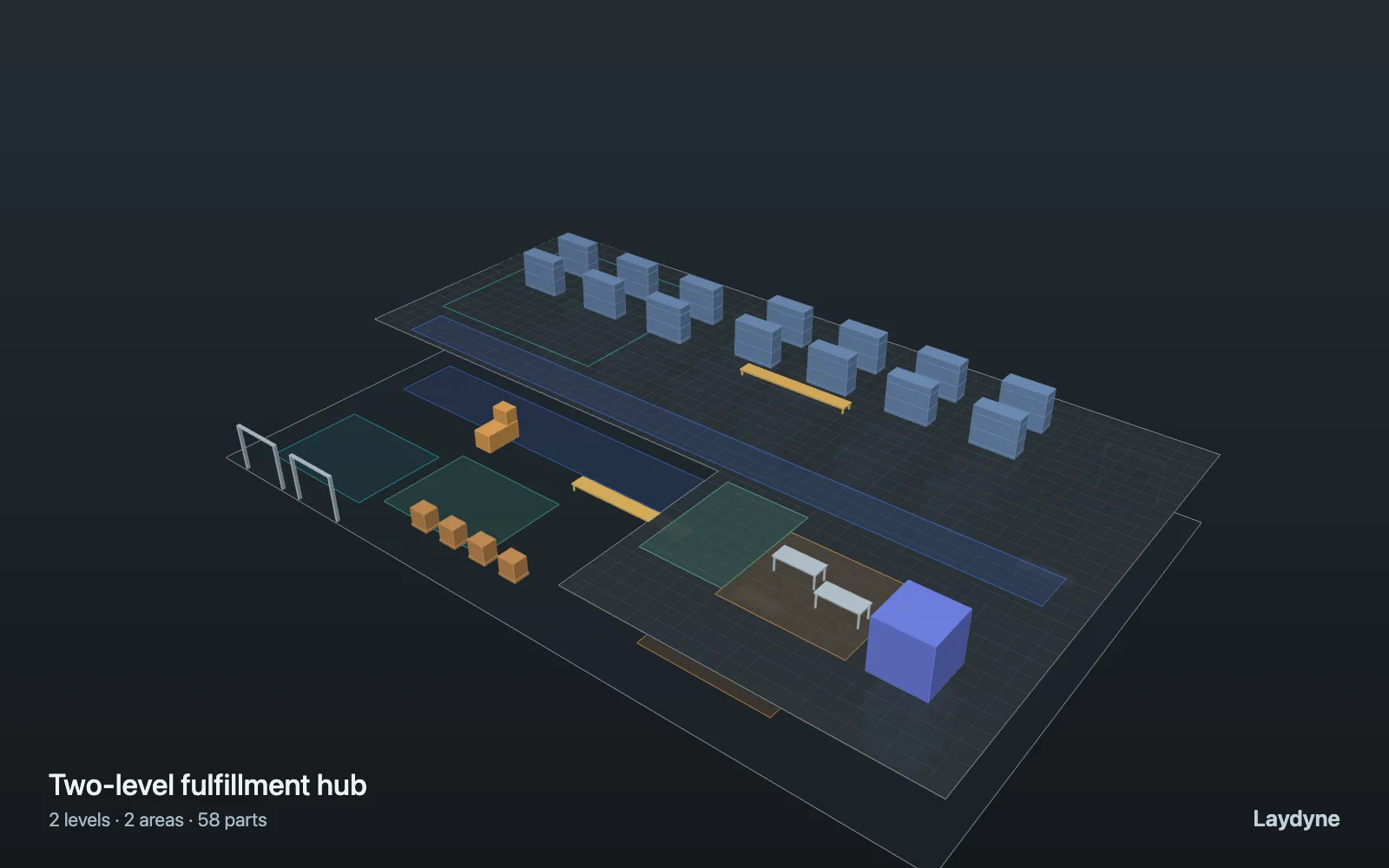
Connected floors. Simple, editable geometry.
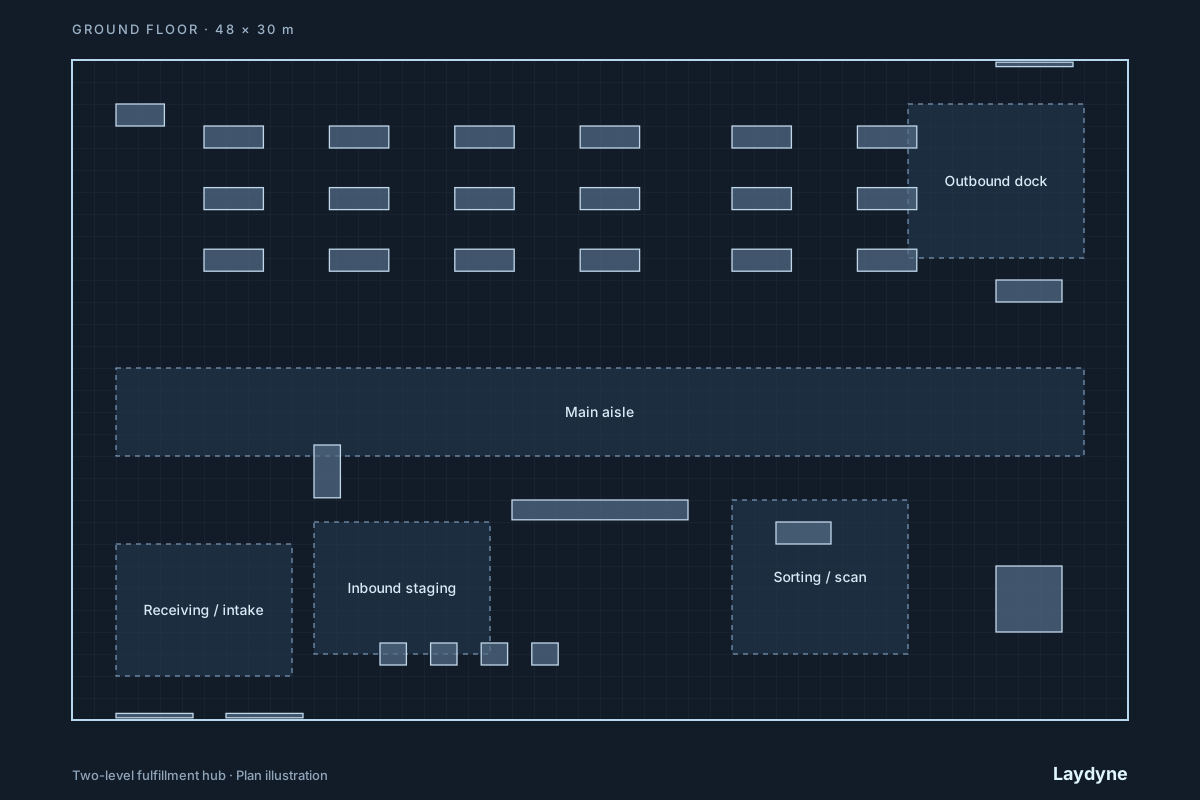
Mean wait per order
You bring the intent. AI handles the setup and changes. You review the space, assumptions, and results.
Describe your space and what you want to test. Start from a brief, a floor plan, or a sample. Let AI draft the layout; confirm dimensions and assumptions as you go.
Explain who moves where, what happens next, and how long it takes. AI combines routes, arrivals, tasks, and resource capacity into a scenario for your operation.
“Add another robot.” “Move reception closer.” Ask AI to change the model and, with Pro, run a comparison. Laydyne’s engines calculate the results from explicit inputs.
Go beyond the samples. Ask AI to combine movement, tasks, arrivals, queues, and shared resources into a workflow that fits your operation.
“Add an inspection step after packing. Send 10% of orders back for rework, then compare one inspector with two.”
AI can compose custom scenarios from the supported process steps. The 2D/3D view lets you inspect its work, with manual editing available whenever you need it.
Sign up free and connect Codex, Claude Code, or another MCP client. Create 2D/3D spaces, check routes, and prepare custom workflows. Ask your agent to export and restore project JSON using files you keep yourself. Your AI provider’s fees are separate.
Connect your AIWith Pro, use the built-in assistant to draft a space from your brief or floor plan, change the layout, and compare simulation options in the same conversation. Review the assumptions and ask for the next change.
Explore AI & simulationSimulation runs and comparisons require Pro, including through MCP. See Account for current Pro pricing and availability.
The live sample runs a simplified model. Open Studio to edit its layout and inspect the assumptions.
Illustrated workflows. Explore each example for modelled results.
Ask AI to model the warehouse, then compare mover counts and packing capacity under the same demand.
Tell AI how visitors arrive and check in. Ask it to compare three desks with four and explain the modelled wait.
Ask AI to check the route, move the furniture, and compare cleaning coverage with a different robot count.
AI changes the spatial model through shared tools. Geometry checks and dedicated engines calculate supported routes, cleaning, transport, and workflow measures. Keep the inputs, model version, and limits beside every result.
Read the model’s scope & limitsUnknown dimensions stay marked as estimates.
Export the starting project and reuse the same units and seed.
Export your scene and conversation as a project file.
Build and edit 2D/3D spaces with your own AI for free. Keep projects in your browser, or ask your agent to export the project JSON and save it to your own files. Import it later to keep working. No Laydyne subscription or cloud project storage required.
Codex, Claude Code, or a compatible browser agent
Your 2D/3D space in the browser
Project JSON in storage you control
Adds built-in AI, AI-assisted source imports, simulation runs and comparisons (also via MCP), and optional cloud project saving.
A free account connects your agent to an open Studio tab through Laydyne’s server relay. Tool requests and results travel through the relay and are temporarily stored for delivery. This does not create a cloud project backup.
A compatible browser agent calls the editing tools directly in the page, without the MCP server relay. Free editing tools need no account. Browser and agent support is required; WebMCP is experimental.
Local project storage does not mean offline use: loading the app, account and plan checks, and your AI provider can use the network. External AI fees and data policies apply separately. See Account for current Pro pricing and availability.
Start building for freeYou can ask AI to create and change the space and workflow through conversation. Use the 2D/3D view to review what it made and check the assumptions. Manual editing is there for any adjustment you want to make yourself.
Yes. AI can combine supported movement, arrivals, timed tasks, resource capacity, queues, and branches into a custom process scenario. This extends what you can model without a new template. It does not add new physics or execute arbitrary application code.
Yes. Open Studio to explore sample spaces, edit layouts in 2D and 3D, and check routes for free. Built-in AI, simulations, and cloud saving require Pro.
Yes. After sign-up, connect an agent through MCP to an open Studio tab. It can inspect and edit the space and run geometry checks. Modelling, route checks, and project JSON export and restore are free. Keep the files yourself, including through your agent. Simulation tools require Pro. See Account for current pricing and availability.
Results come from a simplified, deterministic model: robots are circles moving at constant speed, and the same input always gives the same result. It does not model collisions or avoidance between robots or people (only capacities and queues), crowd physics, elevator dispatch, turning, charging and batteries, or cleaning quality. Dimensions read from photos and drawings are assumptions to check against measurements. It is for exploring options, not a calibrated prediction of a real site.
Studio can screen 1–8 robots against a cleaning coverage or transport completion goal. If you supply complete labor and robot costs, it compares the manual baseline, period costs, and break-even paid hours. It does not infer payroll savings or recommend a specific product; validate the model against the site before buying.
Your working space and conversation stay in this browser unless you export a project file or explicitly save a cloud project with a Pro plan. A cloud project includes the model and recent conversation; saving is manual, not automatic sync. Account, session, and cloud project records use Cloudflare D1 (a local database during development). Connected AI requests send the conversation, scene, and attached source to the selected provider. MCP links relay tool requests and results through Laydyne servers, with temporary storage for delivery. Compatible WebMCP agents call editing tools directly in the page without that relay. Neither path is a promise of offline use. Original source uploads are not retained by Laydyne on the server. Resend handles sign-in email when configured.
Connect your AI, describe your space, and ask for the first version.
Create a free accountOr take the demo for a spin