Factory & warehouse / WORKED EXAMPLE
Warehouse picking
Follow warehouse robots through picking, packing and shipping across two levels.
Free to open, edit and save a file. Pro to run your changes. Opening a project asks before replacing your current space.
Should the next investment be more robots or more packing capacity?
- Who uses it
- Warehouse managers and automation planners
- How it can create value
- Screen whether packing or transport limits the modeled order flow before requesting equipment quotes. More robots may leave the same packing queue; compare completed orders by the deadline as well as waits.
- Bring your site data
- Order arrivals, dispatch deadline, pick/pack times, usable routes and vendor operating costs. Validate traffic, charging and lift dispatch separately before buying.
01 / SETUP
A model you can inspect.
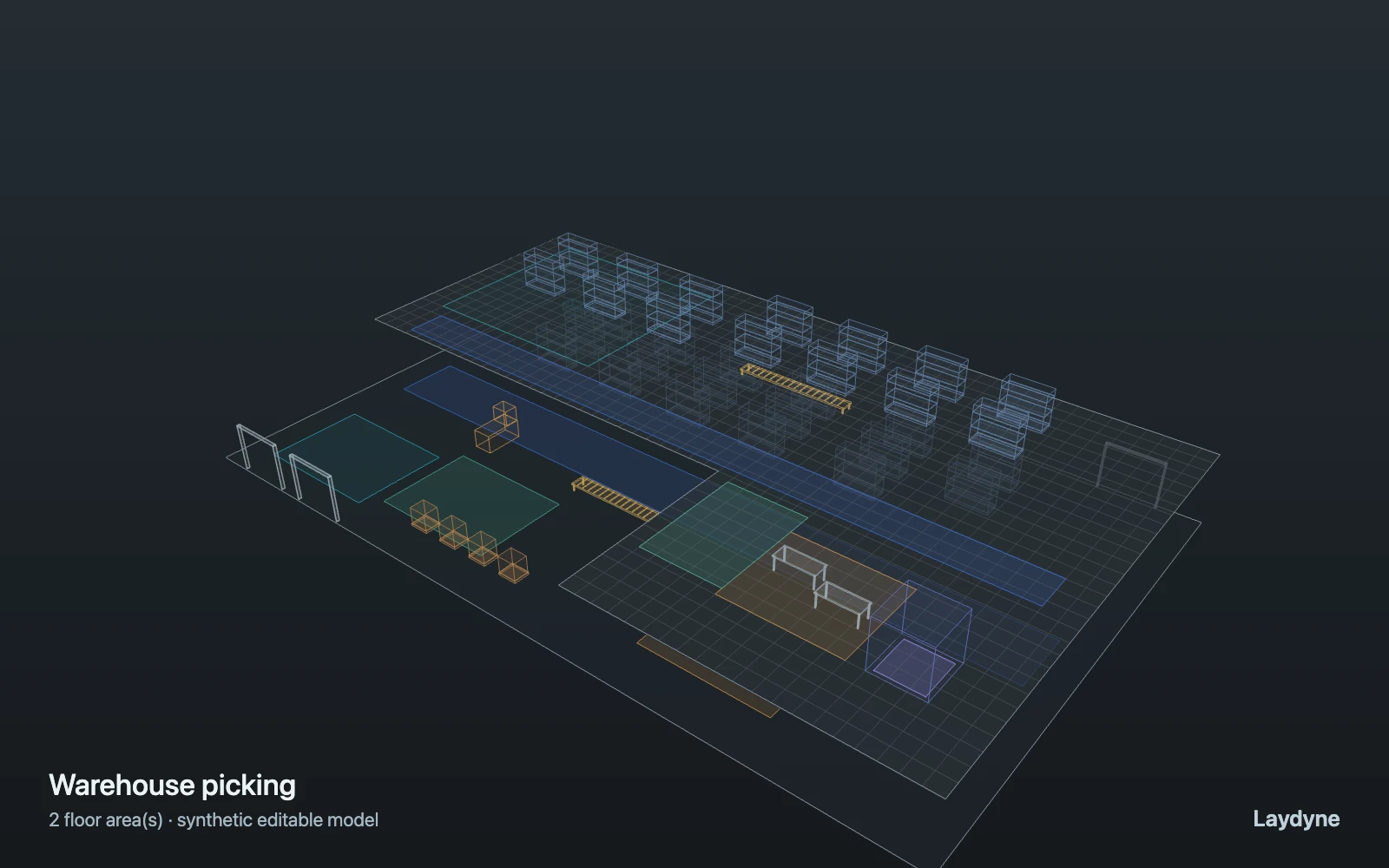
Synthetic two-level warehouse: AMRs collect orders upstairs, pack them, deliver to shipping and return home. Orders finish at shipping; units stay busy until home. Job distance excludes the empty return, while AMR distance includes it. Change AMR units and packing slots, save each layout and compare with the same arrivals. The lift has a capacity and travel time but no car dispatch; vehicle conflicts, charging and picking errors are not modeled.
Change one thing
Increase AMR units or packing slots; keep order arrivals unchanged.
Read the consequence
Order wait, packing utilization, robot distance and lift wait.
View the starting inputs
- Packing time (s)
- 80
- Packing slots
- 1
- Picking time (s)
- 25
- Orders per hour
- 60
Agent counts, routes and resource definitions are also saved in the project JSON.
02 / ACTUAL ENGINE OUTPUT
A reproducible starting result.
Means across 3 runs, seeds 27–29. Observation window 120 minutes.
| Scenario | Completed | Mean wait | Mean cycle | Blocked |
|---|---|---|---|---|
| Original scenario | 63.3 | 21m 23s | 25m 09s | 0 |
Waiting averages cover arrived jobs, including unfinished waits; cycle averages cover completed jobs only. These are synthetic calculations, not measured store performance, revenue or a safety assessment.
Engine, status and output notes
process-des-2.2.0. Status: Original scenario: completed. “Completed” is the engine run status; check the blocked column for unreachable jobs.
- Timeline output is limited to 200 jobs and 500 entries. Aggregate metrics include all jobs.
Engine inputs and saved comparisons stay with the downloaded project. Any limited trace affects playback details, not aggregate metrics.
03 / MAKE IT YOURS
Plan in 2D. Inspect in 3D. Keep the whole project.
- Open and adjust. Switch between 2D and 3D; edit a part, a floor or an input. Both views describe the same model.
- Connect your agent for free. Sign in, choose Connect AI and connect Codex or Claude Code. Ask it to inspect the example, edit the layout and check a route.
- Save a checkpoint. Export → Project JSON, or ask the agent to export the complete project. Import it later to restore floors, scenarios, saved comparisons and the selected view.
- Compare with Pro. Run an edited scenario or compare frozen options under the same demand. Pro also adds built-in AI and manual cloud saving.