Factory & warehouse / WORKED EXAMPLE
Inspection & rework
Inspect products and send an assumed 25% through one rework step.
Free to open, edit and save a file. Pro to run your changes. Opening a project asks before replacing your current space.
Will another inspection bench clear the backlog or move it to rework?
- Who uses it
- Quality leads and production planners
- How it can create value
- Compare inspection and rework waits before adding a bench. Use completions by the target time to check whether the added capacity could reduce overtime; this does not predict fewer defects.
- Bring your site data
- Arriving work, observed inspection and rework times, defect rate and target completion time. The sample assumes at most one rework step.
01 / SETUP
A model you can inspect.
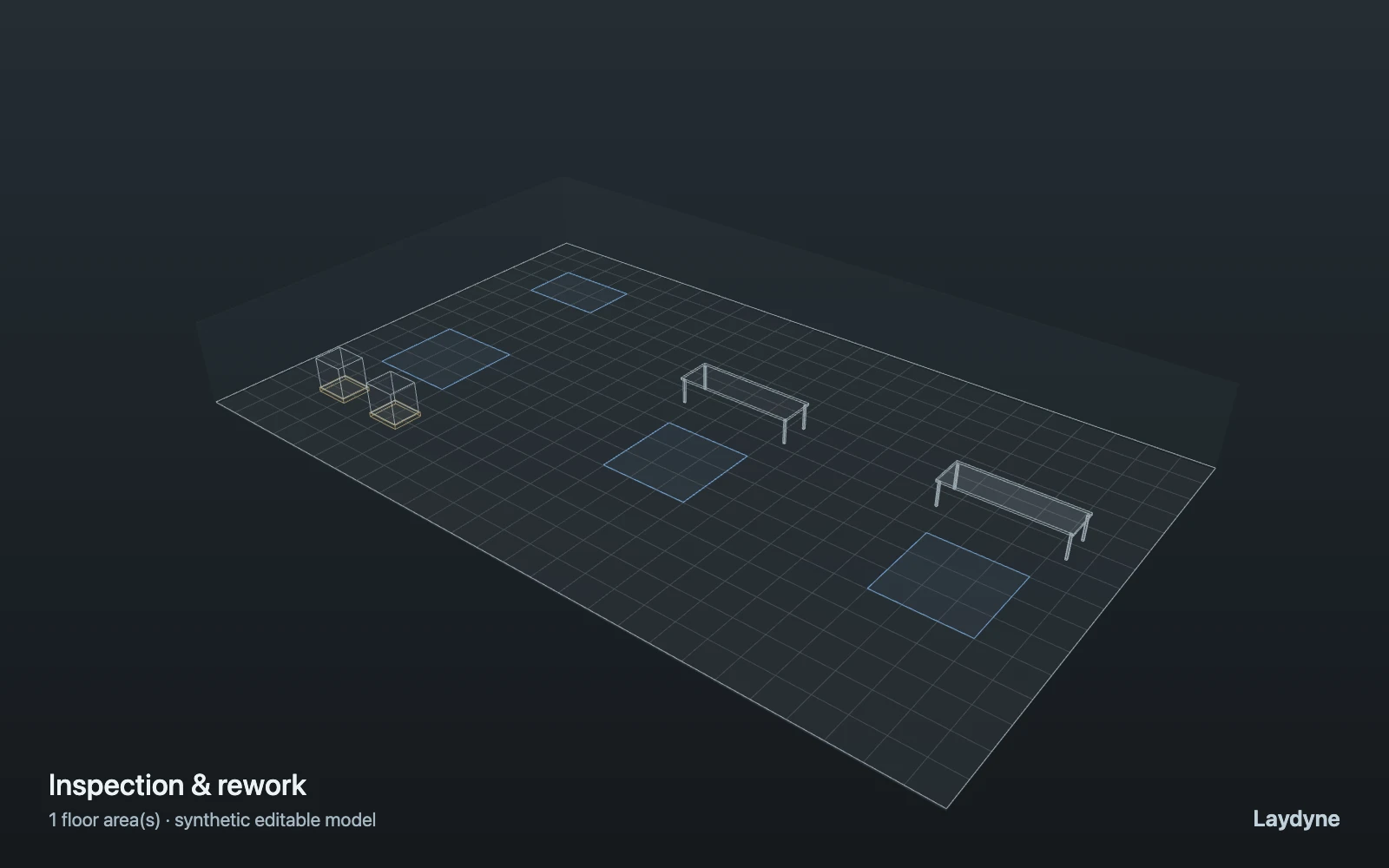
Product carts travel from receiving to inspection. An assumed 25% are sent to one rework step, then all leave through finished goods. Compare inspection capacity or rework time with the same arrivals and seeds. This is a synthetic branch assumption, not a prediction of product quality. Cart travel and shared workstations are modeled; operator movements, collisions and repeated inspection are not.
Change one thing
Compare 1 and 2 inspection benches with the same arrivals and seeds.
Read the consequence
Inspection and rework queues, completion time and three-run variation.
View the starting inputs
- Products
- 32
- Product arrival interval (s)
- 15
- Inspection benches
- 1
- Rework benches
- 1
- Inspection time (s)
- 30
- Rework time (s)
- 90
Agent counts, routes and resource definitions are also saved in the project JSON.
02 / ACTUAL ENGINE OUTPUT
The same demand. A different capacity.
Means across 3 runs, seeds 7–9. Observation window 120 minutes. Arrivals, geometry and the seed set stay the same in every option.
| Scenario | Completed | Mean wait | Mean cycle | Blocked |
|---|---|---|---|---|
| 1 inspector | 32 | 3m 58s | 5m 16s | 0 |
| 2 inspectors | 32 | 32s | 1m 50s | 0 |
Waiting averages cover arrived jobs, including unfinished waits; cycle averages cover completed jobs only. These are synthetic calculations, not measured store performance, revenue or a safety assessment.
Engine, status and output notes
process-des-2.2.0. Status: 1 inspector: completed; 2 inspectors: completed. “Completed” is the engine run status; check the blocked column for unreachable jobs.
- No engine warnings.
Engine inputs and saved comparisons stay with the downloaded project. Any limited trace affects playback details, not aggregate metrics.
03 / MAKE IT YOURS
Plan in 2D. Inspect in 3D. Keep the whole project.
- Open and adjust. Switch between 2D and 3D; edit a part, a floor or an input. Both views describe the same model.
- Connect your agent for free. Sign in, choose Connect AI and connect Codex or Claude Code. Ask it to inspect the example, edit the layout and check a route.
- Save a checkpoint. Export → Project JSON, or ask the agent to export the complete project. Import it later to restore floors, scenarios, saved comparisons and the selected view.
- Compare with Pro. Run an edited scenario or compare frozen options under the same demand. Pro also adds built-in AI and manual cloud saving.