Retail & venues / WORKED EXAMPLE
Mall visitors
Watch shoppers choose stores across three floors, with step-free routes too.
Free to open, edit and save a file. Pro to run your changes. Opening a project asks before replacing your current space.
Where could our assumed visitor flow run out of service capacity?
- Who uses it
- Shopping-centre operations teams
- How it can create value
- Explore capacity pressure across floors before planning a measured pilot. The model follows supplied shop-choice assumptions; it cannot tell which retail mix will attract shoppers or increase rent or sales.
- Bring your site data
- Footfall by time, observed destinations and dwell times, capacity rules and step-free routes. Validate the destination assumptions against site observations.
01 / SETUP
A model you can inspect.
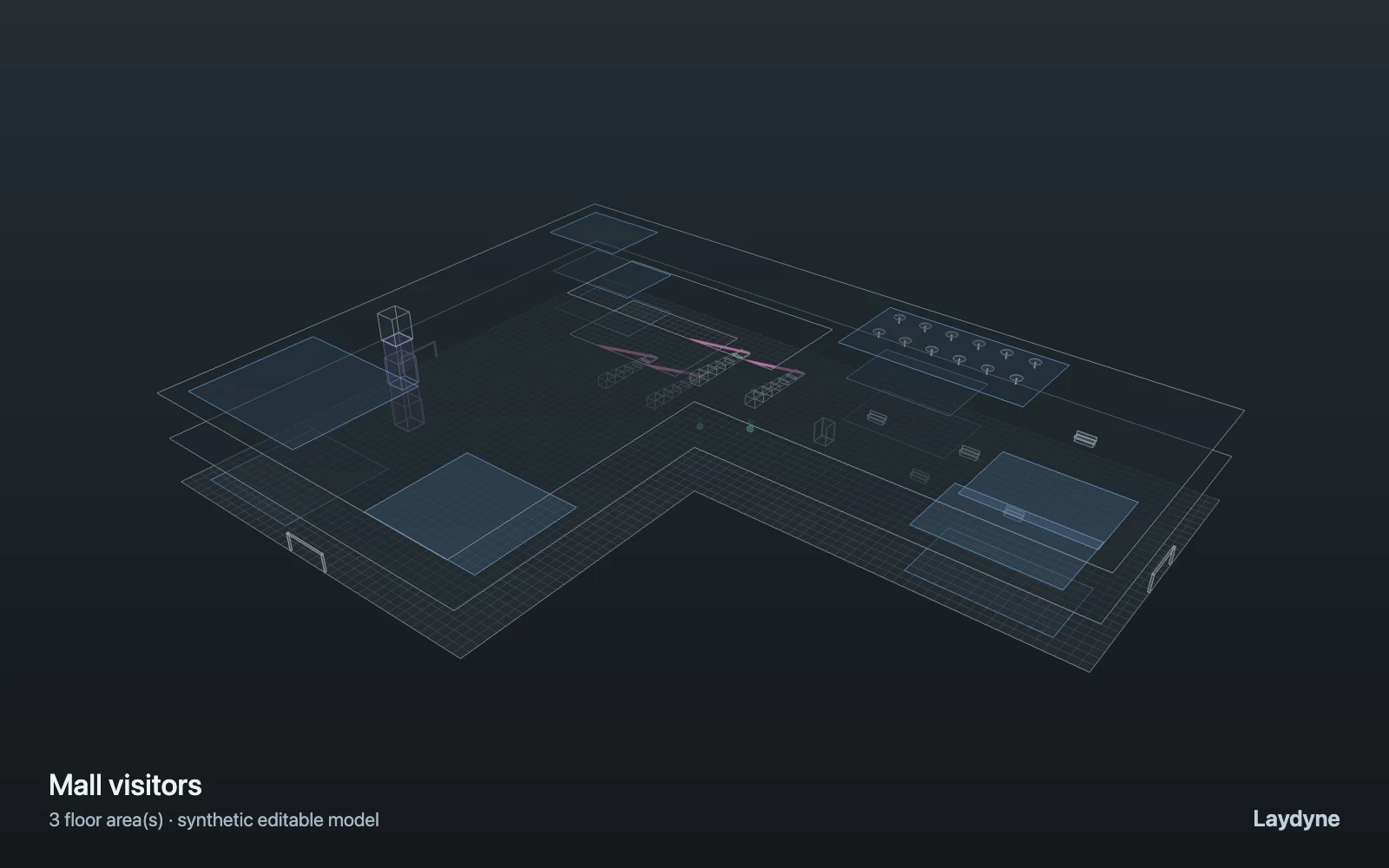
Visitors arrive at random entrances of the mall template (poisson), visit one to three shops chosen at random on any level, stay a random time and leave by the nearest entrance. Walking visitors take the escalators; step-free visitors (prams, wheelchairs) take the elevators. Shops are zones with a capacity; five runs show the spread. Pedestrian flow is counts and capacities, not crowd physics; elevators have no car or dispatch.
Change one thing
Change people per shop while keeping arrivals, seeds and runs the same.
Read the consequence
Shop occupancy, connection waits and variation across five runs.
View the starting inputs
- Walking visitors per hour
- 600
- Step-free visitors per hour
- 30
- People per shop
- 20
- Arrivals for (s)
- 3600
Agent counts, routes and resource definitions are also saved in the project JSON.
02 / ACTUAL ENGINE OUTPUT
A reproducible starting result.
Means across 5 runs, seeds 1–5. Observation window 150 minutes.
| Scenario | Completed | Mean wait | Mean cycle | Blocked |
|---|---|---|---|---|
| Original scenario | 621.2 | 3s | 18m 11s | 0 |
Waiting averages cover arrived jobs, including unfinished waits; cycle averages cover completed jobs only. These are synthetic calculations, not measured store performance, revenue or a safety assessment.
Engine, status and output notes
process-des-2.2.0. Status: Original scenario: completed. “Completed” is the engine run status; check the blocked column for unreachable jobs.
- Timeline output is limited to 200 jobs and 500 entries. Aggregate metrics include all jobs.
- Movement traces are limited to 400 agents and 50000 points. Aggregate metrics include every agent.
Engine inputs and saved comparisons stay with the downloaded project. Any limited trace affects playback details, not aggregate metrics.
03 / MAKE IT YOURS
Plan in 2D. Inspect in 3D. Keep the whole project.
- Open and adjust. Switch between 2D and 3D; edit a part, a floor or an input. Both views describe the same model.
- Connect your agent for free. Sign in, choose Connect AI and connect Codex or Claude Code. Ask it to inspect the example, edit the layout and check a route.
- Save a checkpoint. Export → Project JSON, or ask the agent to export the complete project. Import it later to restore floors, scenarios, saved comparisons and the selected view.
- Compare with Pro. Run an edited scenario or compare frozen options under the same demand. Pro also adds built-in AI and manual cloud saving.