Factories & warehouses / WORKED EXAMPLE
Northstar Cold-chain Cross-dock
A two-level logistics centre with 24 vehicle bays, 50 rack bays, packing cells and a receiving-to-dispatch comparison.
No sign-in needed: open it in Studio, inspect the saved results and edit in 2D and 3D. Sign in to connect your own AI; project files remain free. Check Account for execution access. Opening asks before replacing your current space.
Can carriers and service stations clear the assumed inbound loads before the cutoff?
- Who uses it
- Logistics operations planners
- How it can create value
- Test handling capacity and handoff positions before allocating equipment and people.
- Bring your site data
- Measured routes, load releases, inspection and packing times, and available carriers and service slots.
01 / SETUP
A model you can inspect.
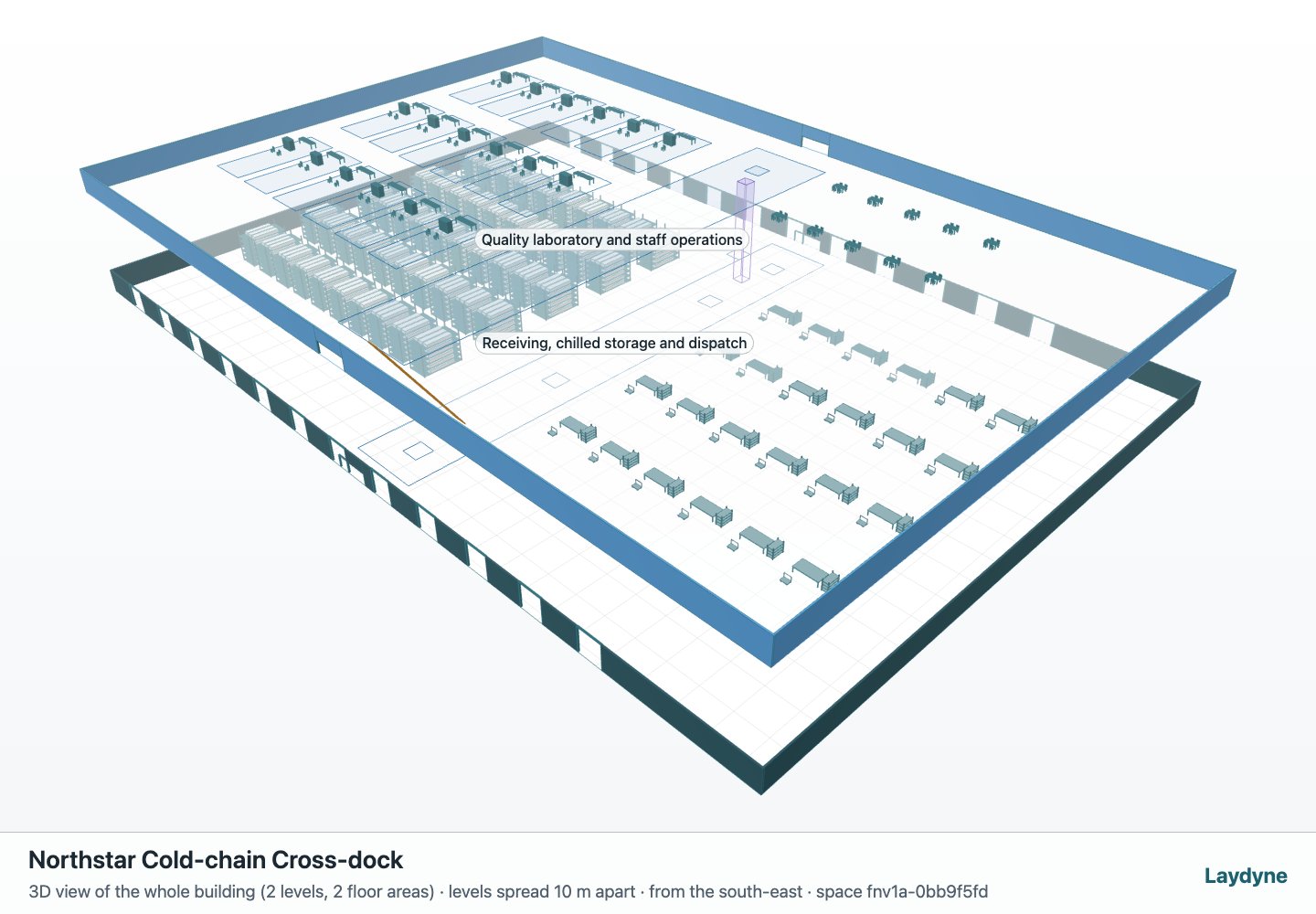
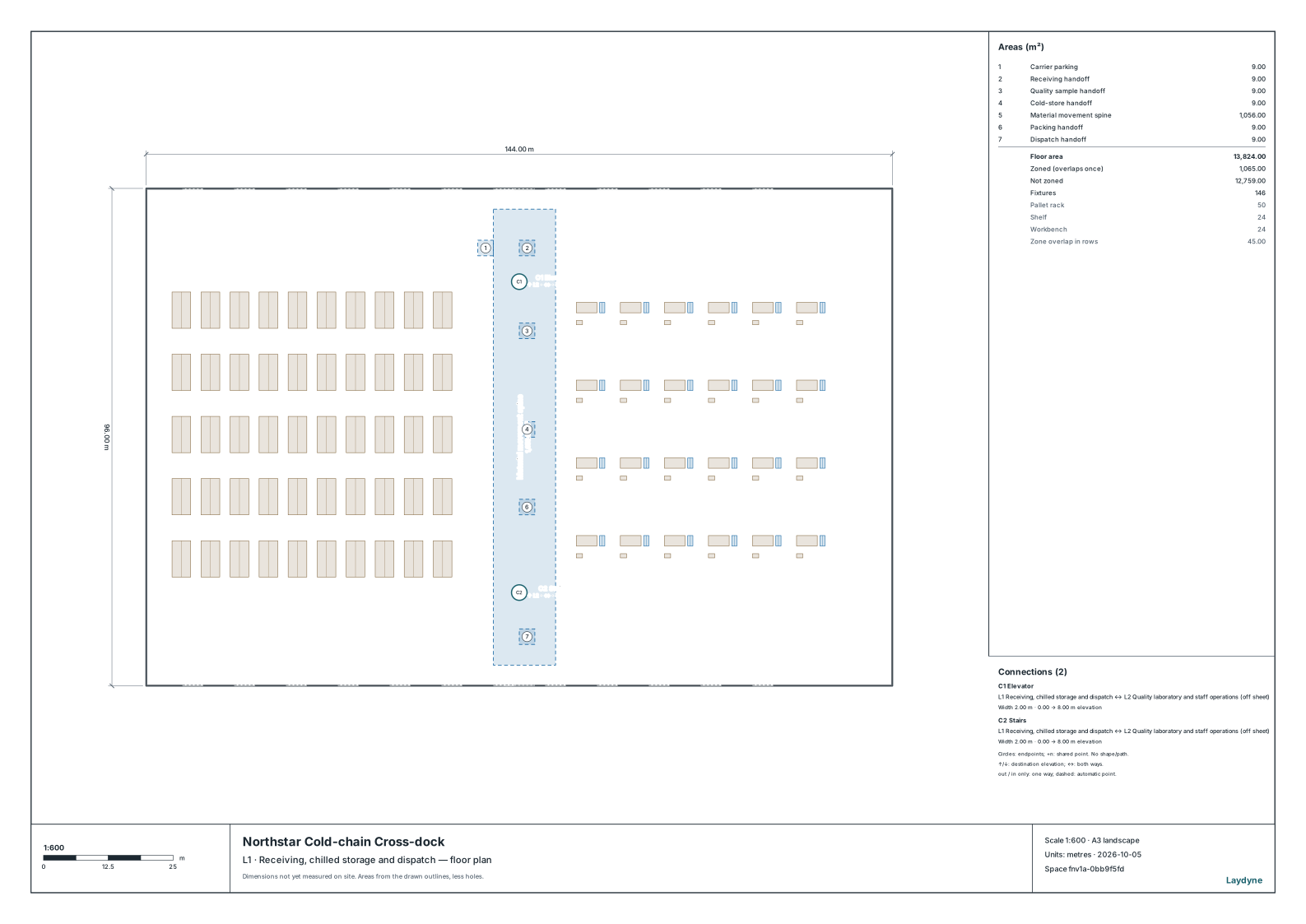
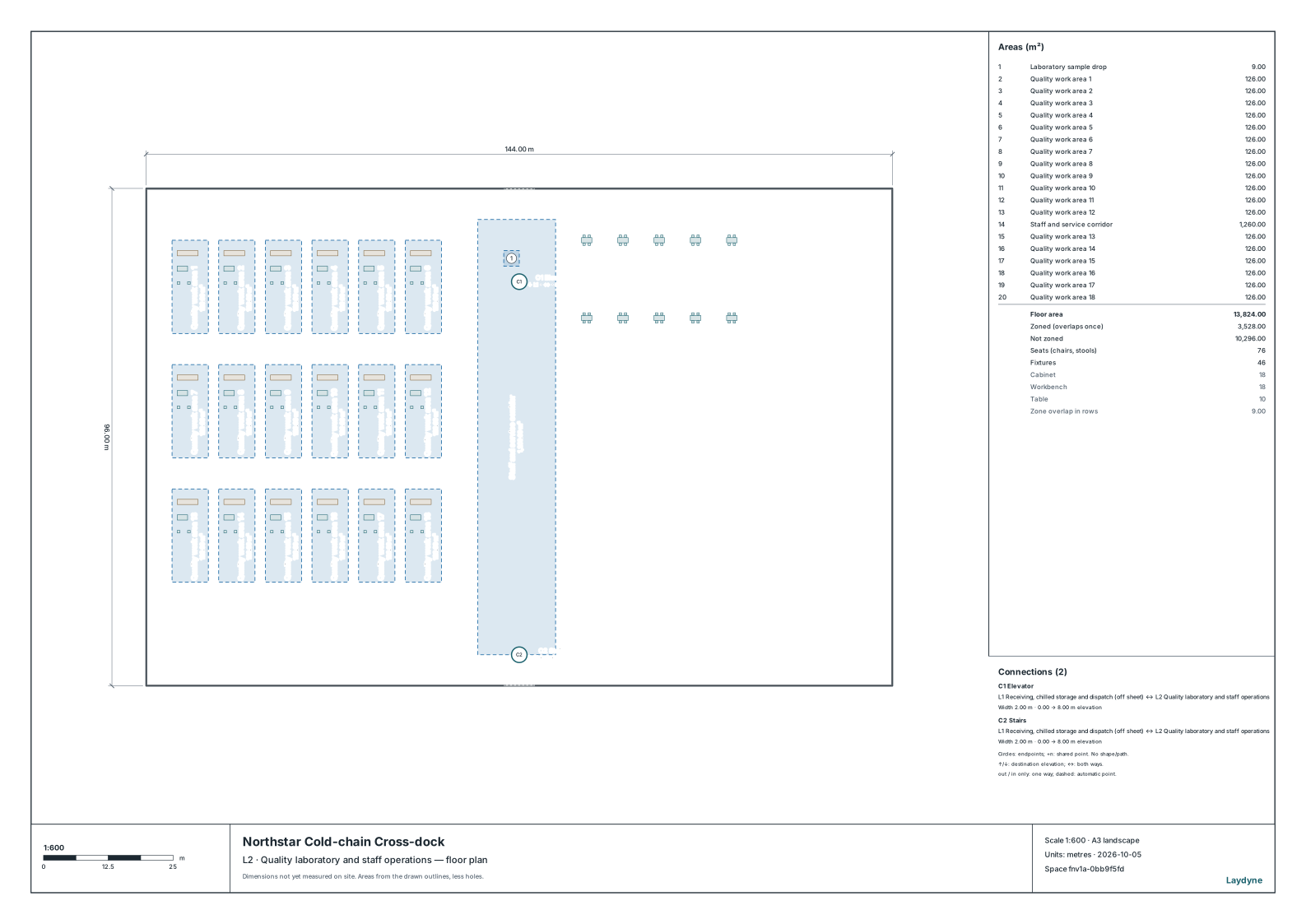
A synthetic 144 × 96 m cross-dock with a quality laboratory and staff floor above. Rack capacity is declared as six load positions per bay. Temperature, certification, vehicle conflicts and product safety are outside this operational model.
Compare an alternative
Compare carrier, inspection and packing capacity under the same 120 inbound loads.
Read the consequence
Read dispatched loads and waiting time at the two-hour cutoff, including empty carrier returns.
View the starting inputs
- Floor width (m)
- 144
- Floor depth (m)
- 96
- Assumed inbound loads
- 120
These dimensions are assumptions for the example.
02 / DECLARED INPUTS
Dimensions and quantities
- Vehicle bays
- 24
- Rack bays
- 50
- Declared load positions
- 300 (50 × 6)
- Packing cells
- 24
- Gross floor area (m²)
- 27,648
These dimensions, arrivals and service times are synthetic assumptions. Replace them with site measurements before making an operational decision.
03 / ACTUAL ENGINE OUTPUT
The same demand. A different capacity.
Observation window 120 minutes. One run, seed 81.
The candidate moves the packing handoff 5 m toward the cold store and changes carrier, inspection and packing capacity from 3/2/2 to 6/3/4.
| Scenario | Completed | Mean wait |
|---|---|---|
| Baseline Carriers 3 · inspection 2 · packing 2 | 42 / 120 | 81m 53s |
| Candidate Carriers 6 · inspection 3 · packing 4 | 84 / 120 | 58m 54s |
Synthetic calculations, not measurements of an operating facility. Waiting averages include unfinished waits. Collisions, crowd safety and temperature are not simulated.
Engine, status and output notes
process-des-2.6.3. Status: Baseline: horizon_reached; Candidate: horizon_reached
Engine inputs and saved comparisons stay with the saved project. Any limited trace affects playback details, not aggregate metrics.
Downloads
04 / MAKE IT YOURS
Plan in 2D. Inspect in 3D. Keep the whole project.
- Open and adjust. Switch between 2D and 3D; edit a part, a floor or an input. Both views describe the same model.
- Connect your agent for free. Sign in, choose Connect AI and connect Codex or Claude Code. Ask it to inspect the example, edit the layout and check a route.
- Save a checkpoint. Project → Project file, or ask the agent to export the complete project. Import it later to restore floors, scenarios, saved comparisons and the selected view.